Ask the supplier to review the existing blimp and the new location before arranging reuse. Identify the product, explain its condition and storage history, and confirm that its message still fits the dealership being promoted. Approval for one lot does not establish readiness at another.
Send the supplier the product or order reference if available, along with clear existing photographs and the size recorded in your paperwork. Explain what is known about storage, past repairs and current condition. Mark unknown details as unknown and ask what review is needed; a photograph alone does not establish that the equipment is ready for use.
Describe what changed at the new lot
Provide the actual address, proposed display area, requested dates and responsible site contact. Explain that you are discussing reuse of existing equipment. Ask the supplier to review the site questions and required components rather than assuming the old arrangement can transfer unchanged.
Review the message before scheduling reuse
Check whether the printed dealership name, campaign wording and artwork still match the intended promotion. Ask about the actual product if a change is needed. Keep the equipment review, site arrangements and artwork decisions in the same inquiry, with any unresolved item left pending.
If an email draft does not open in your mail app, copy the inquiry into an email or our contact form.
Before you send
The planner needs JavaScript to prepare text. Use the checklist above and contact us.
Frequently asked questions
Does owning a blimp mean it is ready to move?
No. Ask the supplier to review the existing product, known condition and proposed new location before arranging reuse.
What if the original order paperwork is missing?
Say that it is missing. Send clear existing photographs and any known product details, then ask what additional identification or assessment is needed.
Can we use the old site setup automatically?
Do not assume it transfers. Give the supplier the new address and proposed area and ask what must be reviewed for that location.
Should we describe previous repairs?
Yes. Provide the history you know and identify gaps. Ask the supplier how the actual equipment should be assessed.
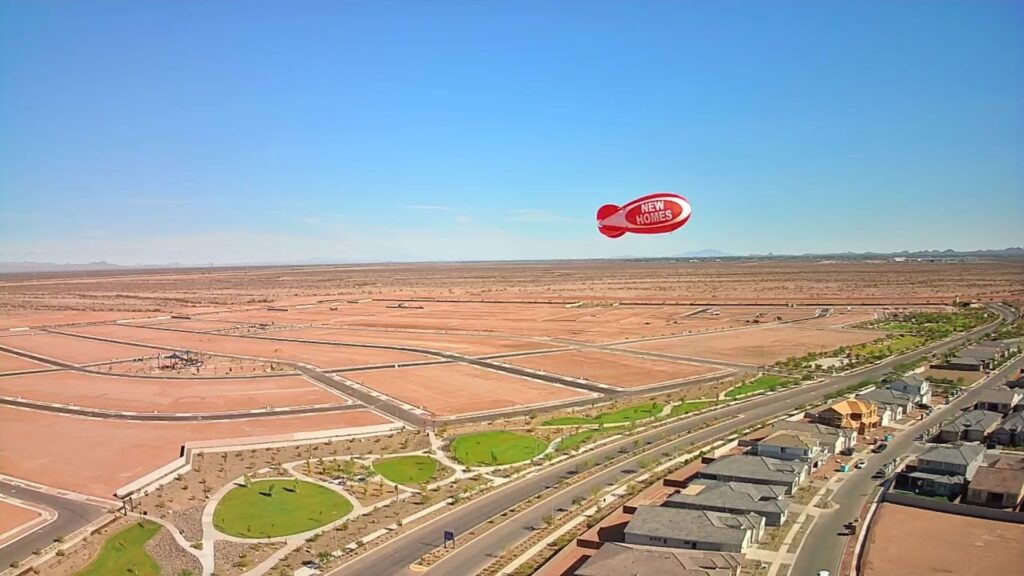
Does a housing-development photo show a dealer installation?
No. The photograph here is a company product example of an advertising blimp over a housing development. It is not evidence of a dealership campaign.
Can this planner approve our existing equipment?
No. It prepares inquiry text only. It does not inspect equipment, approve reuse, confirm availability or calculate a price.
Discuss your display
Send the location, dates and details you want the supplier to confirm.